.svg)
Digital Banking


.svg)
External Transfers
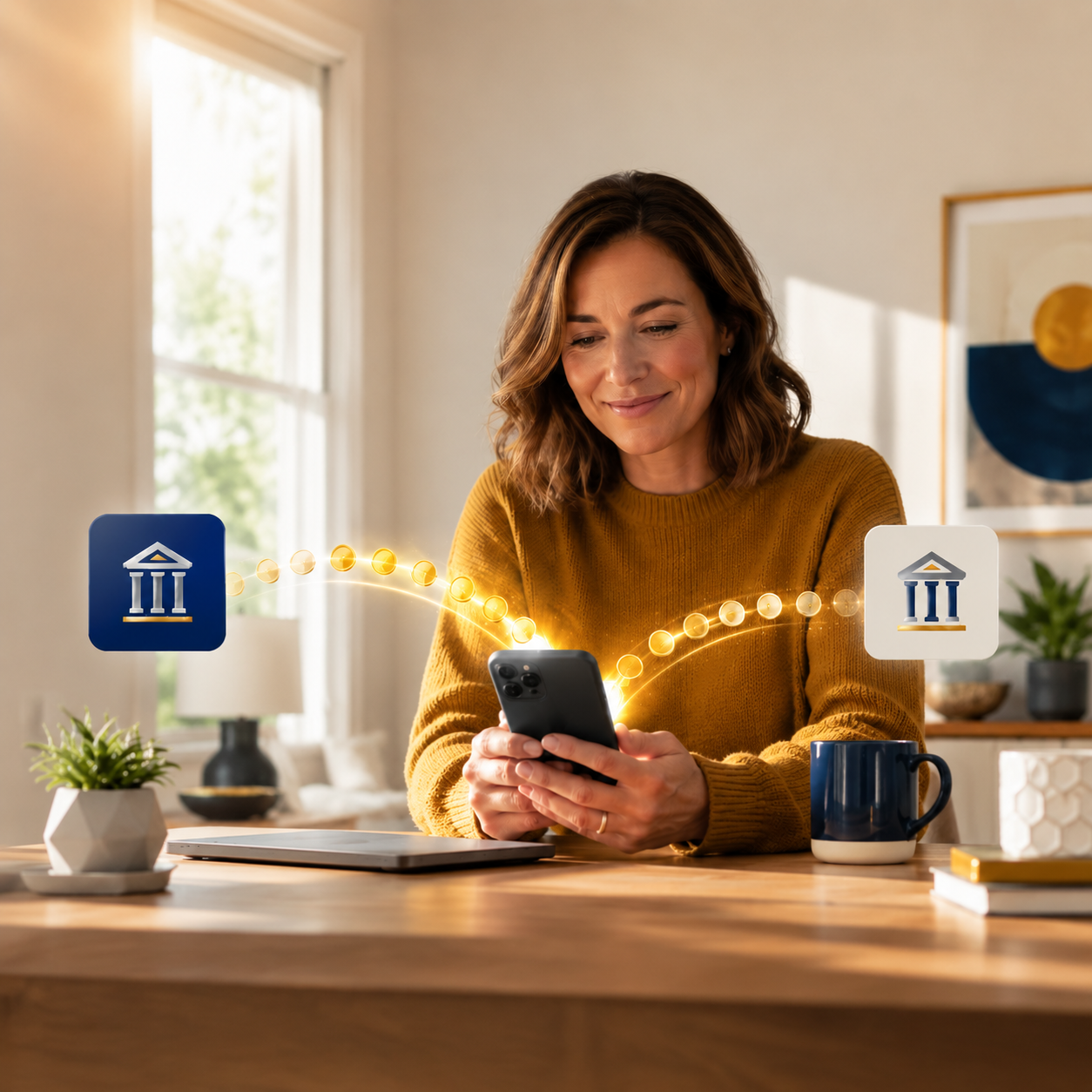
External Transfers give you a convenient way to move money between your Bank of Brodhead account and eligible accounts you own at other financial institutions. Transfer funds to or from your account anytime through Online or Mobile Banking.
Ready to make a transfer?
Why Choose BoB
24 hour access

We're Local

Competitive Rates

Trustworthy & Honest

Top-Notch Customer Service

We're Personal
Why Bill Pay is easy with BOB
How to Set Up Bill Pay
Have Questions?

Bank local right from your pocket.
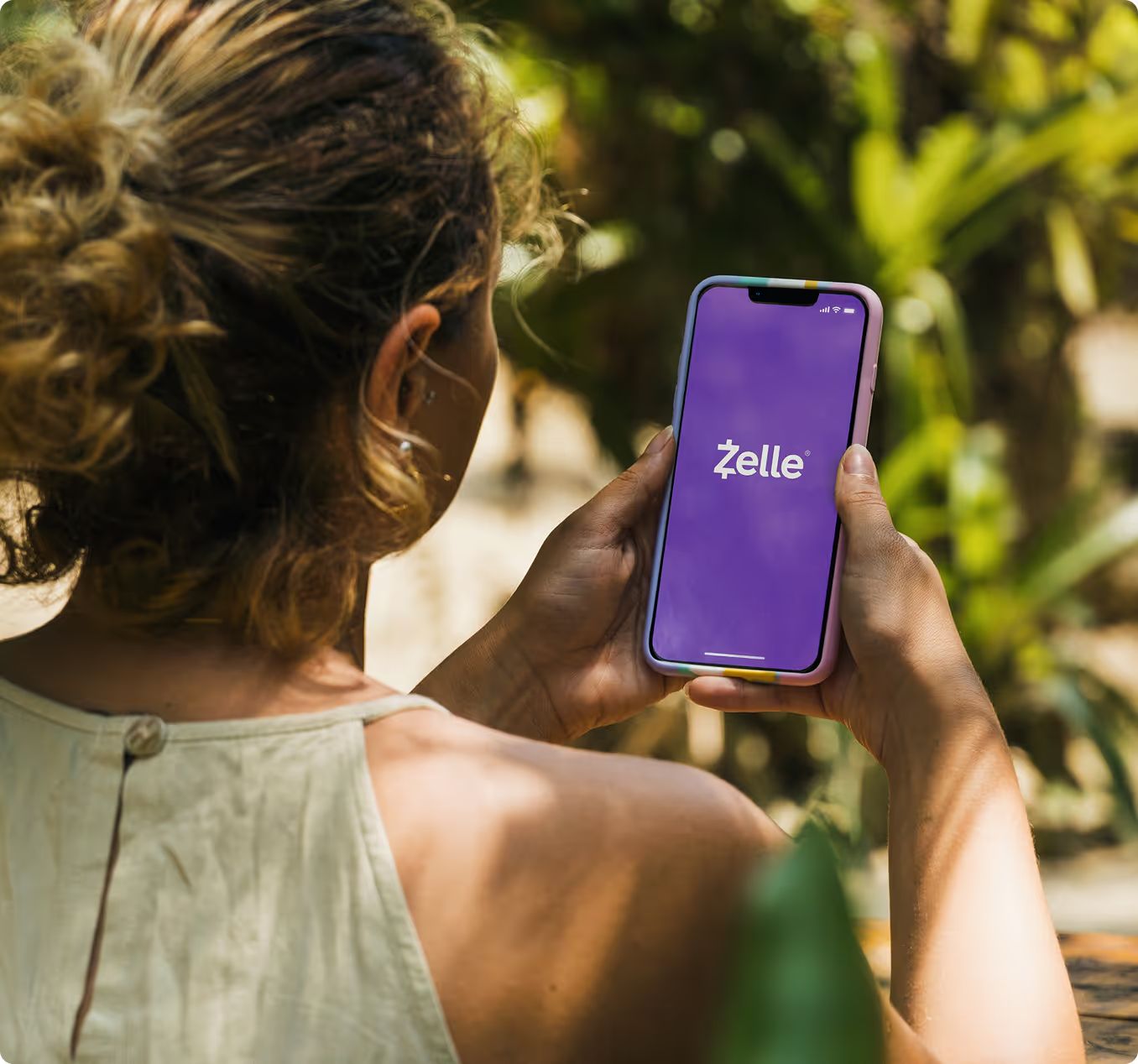
Send money with Zelle
What is Zelle?
Why Use It
We answer your questions

How can I protect my accounts on public Wi-Fi?
Avoid logging into online or mobile banking while using public Wi-Fi. Use your phone’s data connection or a secure home network instead.
How can I deposit a check using my phone?
Log into the mobile app, choose “Mobile Deposit,” and follow the prompts to photograph the front and back of your check. Most deposits are processed the same business day.
Are e-Statements free?
Yes. e-Statements are available at no cost and offer a secure, convenient way to access your monthly statements.
Are mobile deposits secure?
Yes. Mobile deposits use encrypted technology and multi-layer authentication to protect your information.
How can I manage my card online?
You can view balances, make payments, set alerts, lock your card, and track transactions through digital banking.
How do I reset my Online Banking password?
Use the “Forgot Password?” link on the login screen. You’ll be prompted to confirm your identity before choosing a new password. If you need help, call any branch for local support.
How do I enroll in Online Banking?
You can enroll directly from our website by selecting “Enroll” under Online Banking. You’ll be guided through a quick setup process to verify your identity and create secure login credentials.